




Add your headshot and personal contact information.

Free Forever
The Basic Plan is for new agents to get started fast. It’s also perfect for anyone who wants to stay up-to-date on everything going on inside WealthWave.
Includes:

$49/mo

The Pro plan is recommended for all agents. It’s as a powerful suite of marketing, sales, and training tools that can help you advance your business to reach the goals.
Includes:

You now have access to personalized websites and full assets, presentations, and calculators.
This Add-On gives you access to your wealthwave.com email address. Copy and paste this web form link into a browser — https://forms.gle/roynvv7ve2qXjjLa8. It will require that you log into an existing Google account that you already have. Then fill out the form to request your WealthWave email address setup instructions.
This Add-On gives you access to your howmoneyworks.com email address. Copy and paste this web form link into a browser — https://forms.gle/pCMqJMRHg24nt7iF6. It will require that you log into an existing Google account that you already have. Then fill out the form to request your HowMoneyWorks email address setup instructions.
You now have access to WealthWave Campaigns, our full-scale email marketing suite. To access this feature, click "Email Marketing" in the left navigation and then click the "Launch WealthWave Campaigns" button at the top of the screen.
When users add your email address to their "Upline Leader" field during the WWONE sign up process, you'll now see their course status and progress. Click "Training" in the left navigation to view your team members' course data once they've added you as their "Upline Leader."
You will lose this add-on's functionality if you proceed.

Access to this functionality will expire at the end of your paid plan period. You can add this Add-On back at any time from the Plans & Pricing page.
By cancelling the Pro Plan you will also lose the following Add-Ons—they will still be available through the end of your current paid plan period:
Your WealthWaveONE account has been cancelled and will no longer be available after the end of your paid plan period. You can always return to WealthWaveONE to create a new account, but you will not be able to access data from your current account.
Update your email address and password for your account below.
This is your username and also the email address where we will send alerts and notifications.

.png)
The new TheMoneyBooks title by Tom Mathews and Kim Scouller, and everything you need to share it: your book page, the Launch Playbook, the 2-minute video, social posts, Zoom backgrounds, the presenter deck and the launch recording.

Your own book page. A reader signs up, the digital book opens, and the contact comes to you. This is the link to share.
.svg)
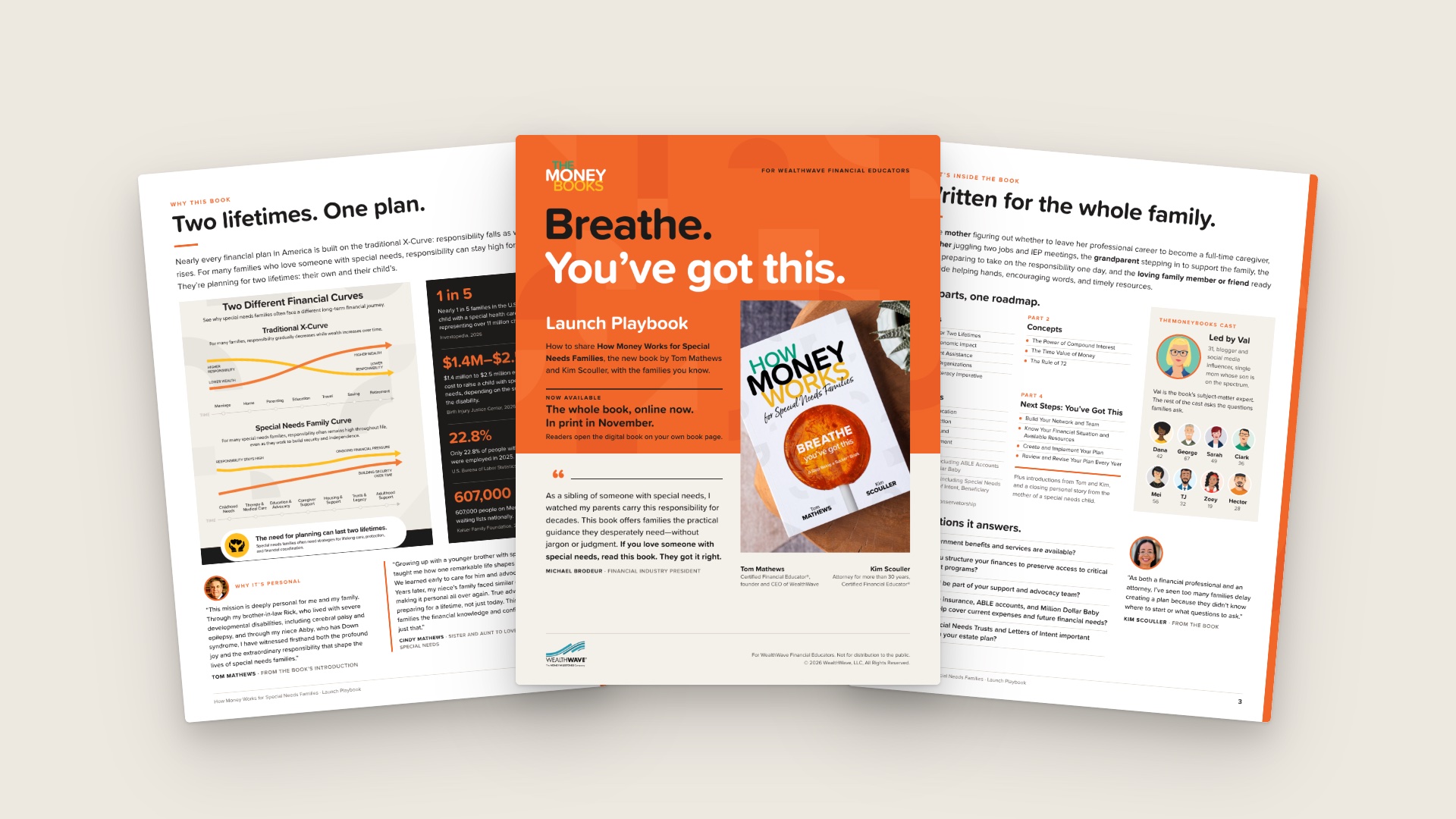
Breathe. You've got this. The whole launch in 8 pages: why the book matters, what to say, sample messages, first steps.

A two-minute look at the new book by Tom Mathews and Kim Scouller. It plays on your book page; share that link.

9 feed posts and 4 stories for the new book, with ready-to-post captions and alt text. No links on images; add yours.
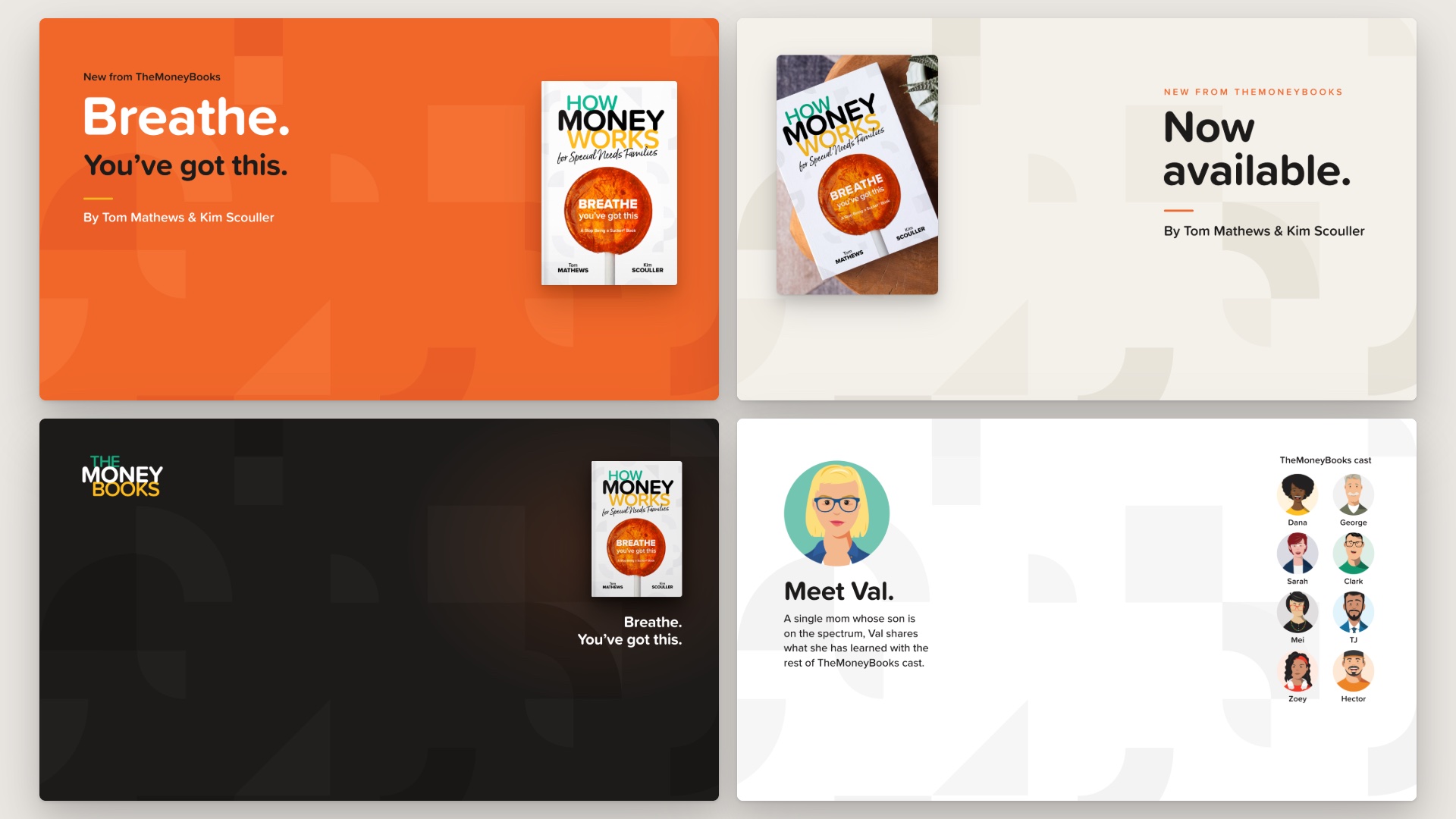
Eight Zoom backgrounds with the new book: Breathe, Two Lifetimes, Now Available, Meet Val and more. 1920 x 1080.

34 slides with speaker notes for a workshop, a parent group or a call. Ends by inviting the room to read the book.

Tom Mathews and Kim Scouller introduce the book, recorded at the Vision Theater on October 16. Starts at the 9:04 mark.

WealthWave ONE is the one place for WealthWave leaders to access training, marketing, and all the resources they need to build their businesses and become successful.
