




Add your headshot and personal contact information.

Free Forever
The Basic Plan is for new agents to get started fast. It’s also perfect for anyone who wants to stay up-to-date on everything going on inside WealthWave.
Includes:

$49/mo

The Pro plan is recommended for all agents. It’s as a powerful suite of marketing, sales, and training tools that can help you advance your business to reach the goals.
Includes:

You now have access to personalized websites and full assets, presentations, and calculators.
This Add-On gives you access to your wealthwave.com email address. Copy and paste this web form link into a browser — https://forms.gle/roynvv7ve2qXjjLa8. It will require that you log into an existing Google account that you already have. Then fill out the form to request your WealthWave email address setup instructions.
This Add-On gives you access to your howmoneyworks.com email address. Copy and paste this web form link into a browser — https://forms.gle/pCMqJMRHg24nt7iF6. It will require that you log into an existing Google account that you already have. Then fill out the form to request your HowMoneyWorks email address setup instructions.
You now have access to WealthWave Campaigns, our full-scale email marketing suite. To access this feature, click "Email Marketing" in the left navigation and then click the "Launch WealthWave Campaigns" button at the top of the screen.
When users add your email address to their "Upline Leader" field during the WWONE sign up process, you'll now see their course status and progress. Click "Training" in the left navigation to view your team members' course data once they've added you as their "Upline Leader."
You will lose this add-on's functionality if you proceed.

Access to this functionality will expire at the end of your paid plan period. You can add this Add-On back at any time from the Plans & Pricing page.
By cancelling the Pro Plan you will also lose the following Add-Ons—they will still be available through the end of your current paid plan period:
Your WealthWaveONE account has been cancelled and will no longer be available after the end of your paid plan period. You can always return to WealthWaveONE to create a new account, but you will not be able to access data from your current account.
Update your email address and password for your account below.
This is your username and also the email address where we will send alerts and notifications.
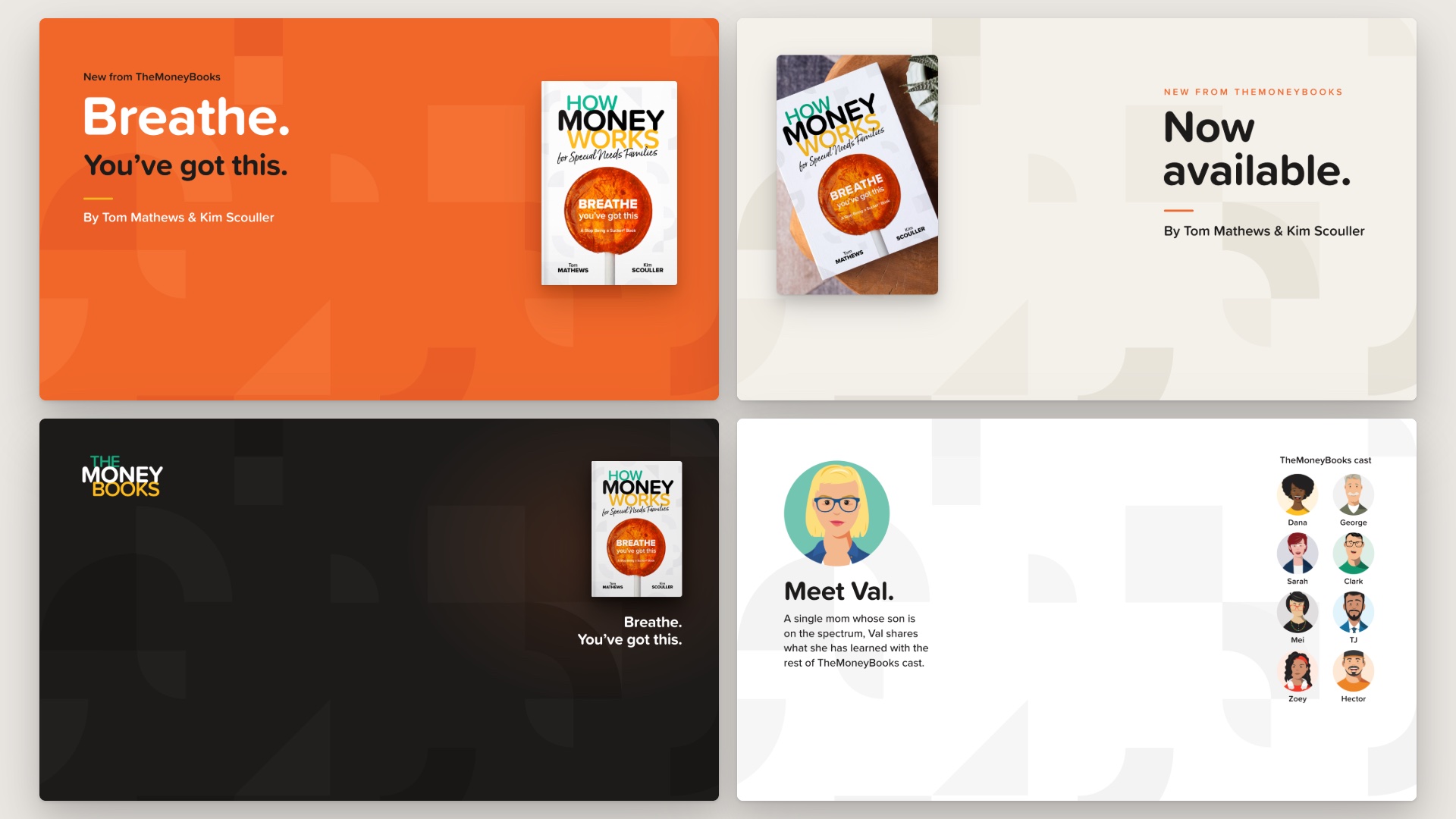
Bring How Money Works for Special Needs Families into every call. Eight backgrounds, 1920 x 1080, in one ZIP with a short how-to. None of them carries a web address:
To add one: in the Zoom desktop app, click your profile picture, then Settings > Background & Effects > Virtual Backgrounds. Click + and Add Image, and pick a file. Sit in the middle of the frame; the words and the book sit around you. Your own preview may show the words backwards, but everyone else sees them the right way round (turn off “Mirror my video” to read them yourself). On a phone held upright the words can be cut off, so turn it sideways or use a computer.
When someone asks where to read the book, put your own book page in the Zoom chat.
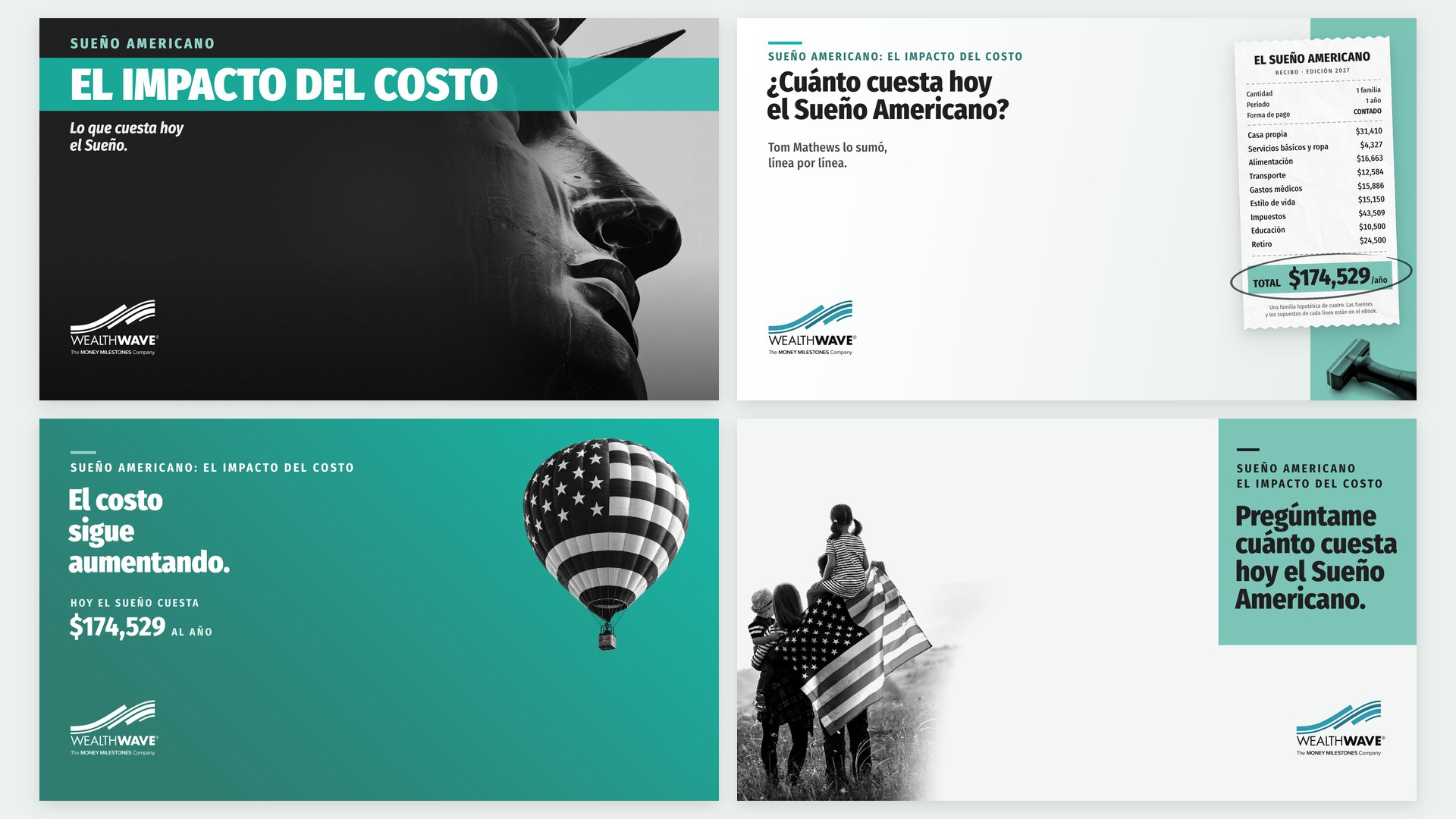
The Spanish edition of the four Zoom backgrounds: Libertad, El recibo, El costo sigue aumentando and Pregúntame. 1920 x 1080.
.svg)
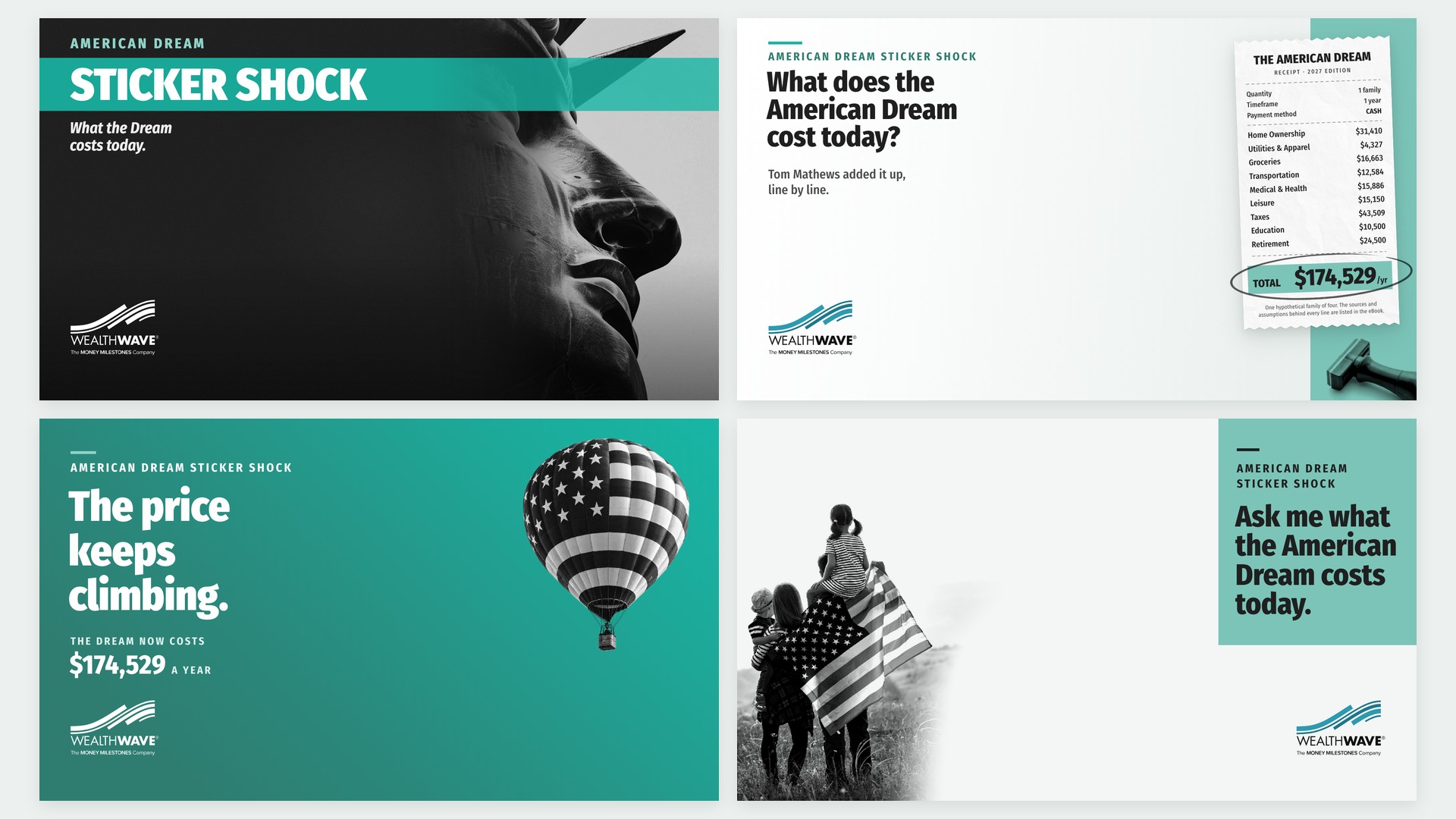
Four Zoom backgrounds for the campaign: Liberty, The Receipt, The Price Keeps Climbing and Ask Me. 1920 x 1080, ready to add.
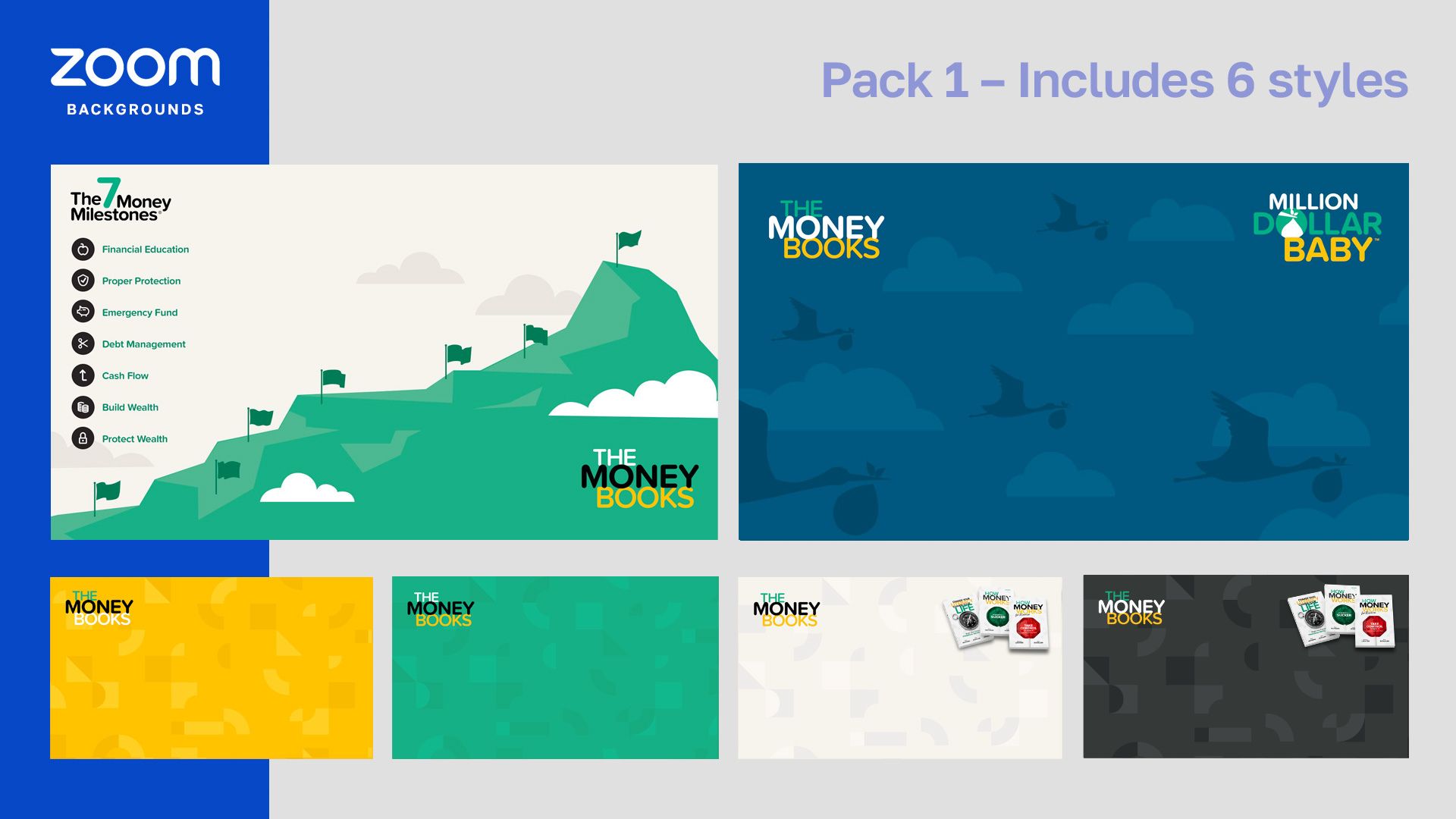
Download and show off The HowMoneyWorksBooks graphics on your ZOOM calls with this pack of 6 styles to choose from.

WealthWave ONE is the one place for WealthWave leaders to access training, marketing, and all the resources they need to build their businesses and become successful.

