




Add your headshot and personal contact information.

Free Forever
The Basic Plan is for new agents to get started fast. It’s also perfect for anyone who wants to stay up-to-date on everything going on inside WealthWave.
Includes:

$49/mo

The Pro plan is recommended for all agents. It’s as a powerful suite of marketing, sales, and training tools that can help you advance your business to reach the goals.
Includes:

You now have access to personalized websites and full assets, presentations, and calculators.
This Add-On gives you access to your wealthwave.com email address. Copy and paste this web form link into a browser — https://forms.gle/roynvv7ve2qXjjLa8. It will require that you log into an existing Google account that you already have. Then fill out the form to request your WealthWave email address setup instructions.
This Add-On gives you access to your howmoneyworks.com email address. Copy and paste this web form link into a browser — https://forms.gle/pCMqJMRHg24nt7iF6. It will require that you log into an existing Google account that you already have. Then fill out the form to request your HowMoneyWorks email address setup instructions.
You now have access to WealthWave Campaigns, our full-scale email marketing suite. To access this feature, click "Email Marketing" in the left navigation and then click the "Launch WealthWave Campaigns" button at the top of the screen.
When users add your email address to their "Upline Leader" field during the WWONE sign up process, you'll now see their course status and progress. Click "Training" in the left navigation to view your team members' course data once they've added you as their "Upline Leader."
You will lose this add-on's functionality if you proceed.

Access to this functionality will expire at the end of your paid plan period. You can add this Add-On back at any time from the Plans & Pricing page.
By cancelling the Pro Plan you will also lose the following Add-Ons—they will still be available through the end of your current paid plan period:
Your WealthWaveONE account has been cancelled and will no longer be available after the end of your paid plan period. You can always return to WealthWaveONE to create a new account, but you will not be able to access data from your current account.
Update your email address and password for your account below.
This is your username and also the email address where we will send alerts and notifications.
We recently announced WealthWave’s renewed partnership with NetLaw to help elevate your ability to safeguard your clients’ legacies while supporting them with Milestone #7!
You can watch the training recordings here: https://vimeo.com/showcase/12024219
As a reminder, you now have exclusive access to straightforward yet comprehensive estate planning packages, all while enhancing your earning opportunities.
Estate Planning Packages Designed for Impact
Here’s what you can offer your clients:
Includes essential documents like a Will, Healthcare Surrogate, Financial Power of Attorney, and more.
Features advanced options such as a Million Dollar Baby Trust, Revocable Living Trust, Will, and basic legal documents.
How to Get Started
All WealthWave leaders must register (or re-register, even if previously enrolled) to begin leveraging these tools.
By joining forces with NetLaw, protecting your clients’ legacies has never been easier, smarter, or more rewarding.
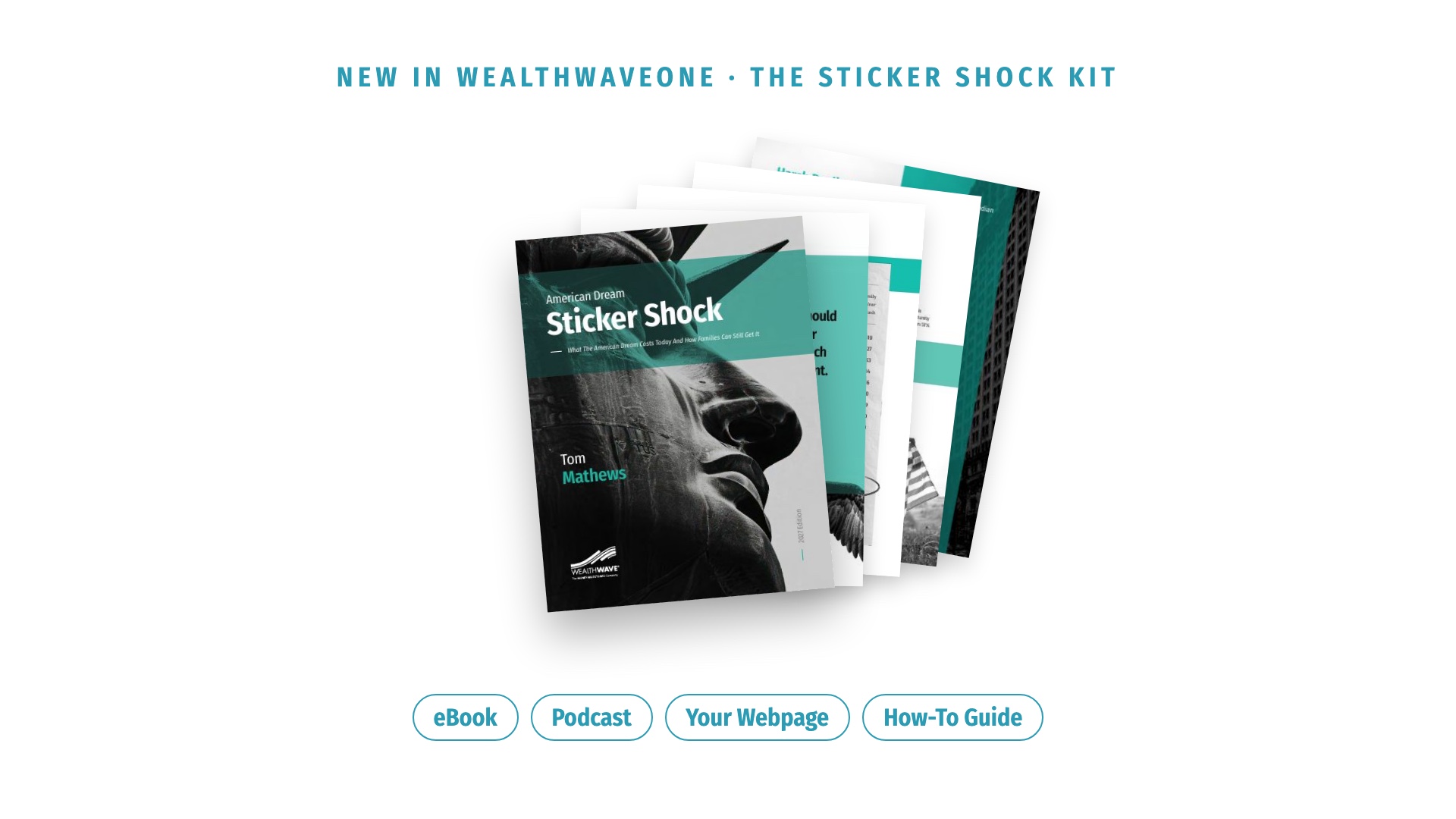
What the American Dream costs today, added up line by line. The eBook, presentation, podcast, your webpage and a how-to guide, all in one kit.
.svg)

Zach Johnson returns to Augusta—an inspiring story of excellence, grit, and financial literacy in motion. His pursuit of greatness mirrors WealthWave’s mission to guide families toward financial independence.

WealthWave ONE is the one place for WealthWave leaders to access training, marketing, and all the resources they need to build their businesses and become successful.