




Add your headshot and personal contact information.

Free Forever
The Basic Plan is for new agents to get started fast. It’s also perfect for anyone who wants to stay up-to-date on everything going on inside WealthWave.
Includes:

$49/mo

The Pro plan is recommended for all agents. It’s as a powerful suite of marketing, sales, and training tools that can help you advance your business to reach the goals.
Includes:

You now have access to personalized websites and full assets, presentations, and calculators.
This Add-On gives you access to your wealthwave.com email address. Copy and paste this web form link into a browser — https://forms.gle/roynvv7ve2qXjjLa8. It will require that you log into an existing Google account that you already have. Then fill out the form to request your WealthWave email address setup instructions.
This Add-On gives you access to your howmoneyworks.com email address. Copy and paste this web form link into a browser — https://forms.gle/pCMqJMRHg24nt7iF6. It will require that you log into an existing Google account that you already have. Then fill out the form to request your HowMoneyWorks email address setup instructions.
You now have access to WealthWave Campaigns, our full-scale email marketing suite. To access this feature, click "Email Marketing" in the left navigation and then click the "Launch WealthWave Campaigns" button at the top of the screen.
When users add your email address to their "Upline Leader" field during the WWONE sign up process, you'll now see their course status and progress. Click "Training" in the left navigation to view your team members' course data once they've added you as their "Upline Leader."
You will lose this add-on's functionality if you proceed.

Access to this functionality will expire at the end of your paid plan period. You can add this Add-On back at any time from the Plans & Pricing page.
By cancelling the Pro Plan you will also lose the following Add-Ons—they will still be available through the end of your current paid plan period:
Your WealthWaveONE account has been cancelled and will no longer be available after the end of your paid plan period. You can always return to WealthWaveONE to create a new account, but you will not be able to access data from your current account.
Update your email address and password for your account below.
This is your username and also the email address where we will send alerts and notifications.

Friday afternoon, a room full of people will sit in Vision Theater in Alpharetta and watch Green Carpet Day for the Next Generation on a 53-foot screen. Most of us will not be in that room. The screen in your home or office works, as long as the right people are sitting in front of it.
A link gets opened on a phone between meetings and closed before the first speaker finishes. A person at your table, plate in hand, with you beside them, watches the whole thing. Same message, different outcome.
1:00 PM Eastern is a late lunch in the East, lunch in Central, an early lunch in Mountain and Pacific. If your table is not ready at the top of the hour, start when you are ready and drag the slider back to the beginning. Nobody misses the keynote because they arrived ten minutes late.
Four pages: the assignment, the time zone table, a day-by-day checklist for the week of September 14, and an invite script you can read word for word.
Watch at GreenCarpetDay.com. One address, no login. Test it on your screen before Friday, and share the day with #RollOutTheGreenCarpet.
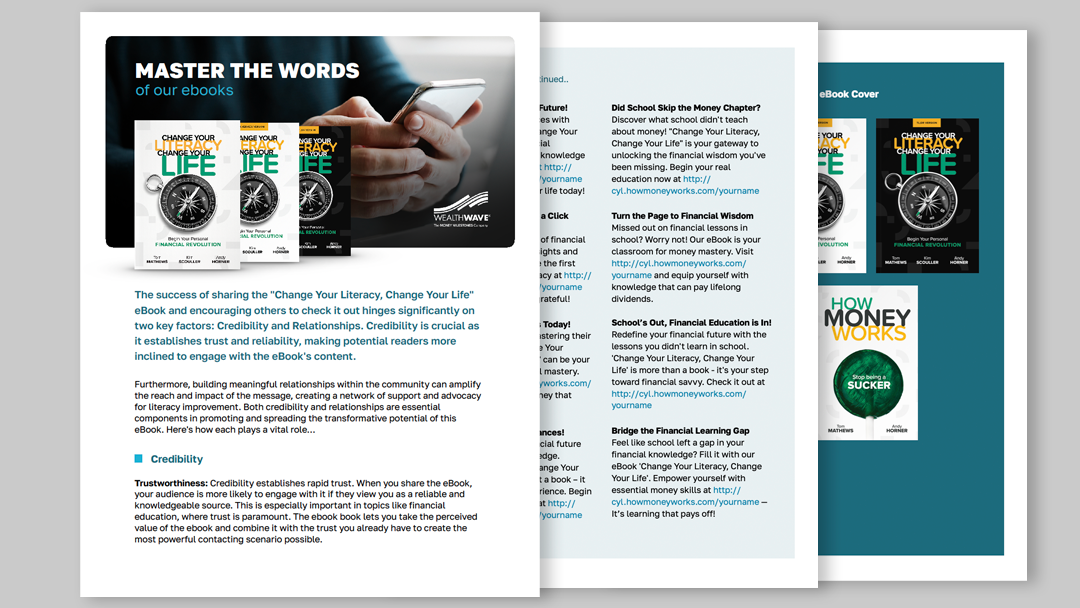
Mastering the words around Change Your Literacy, Change Your Life. Includes Text, Email, and Social Media messages
.svg)
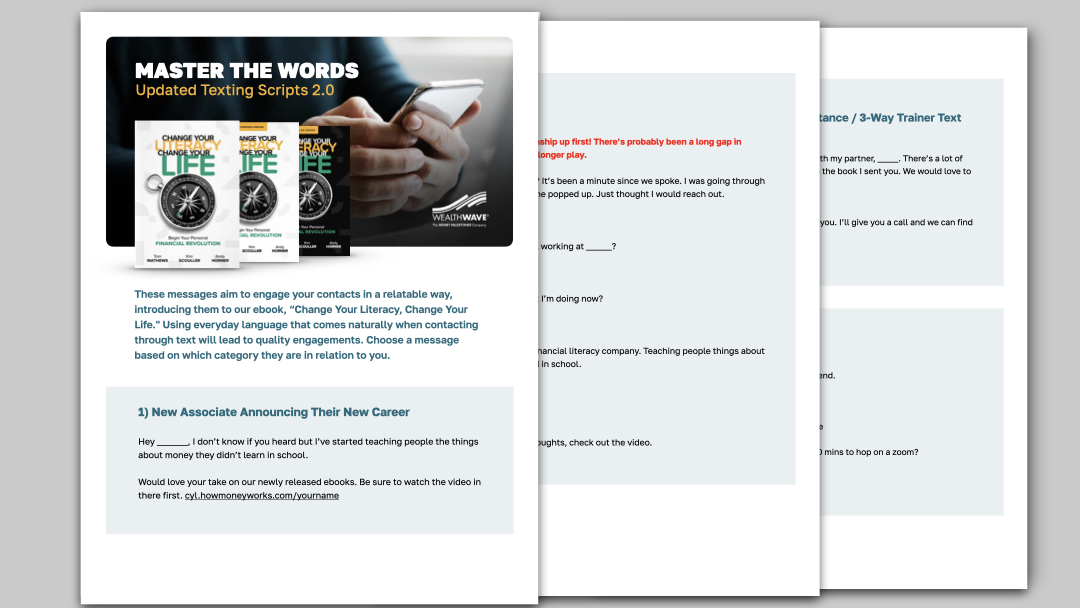
Master the Words: Comprehensive and Updated Texting Scripts for Maximizing Engagement and Impact in Growing Your Business

Download the high resolution art for our pull-up banner featuring all the How Money Works for Women cast members.

WealthWave ONE is the one place for WealthWave leaders to access training, marketing, and all the resources they need to build their businesses and become successful.

